Keyboard
GDevelop gives access to all inputs made on the keyboard. This includes conditions to check if a key was pressed or released.
Any key pressed
For this condition, the corresponding action/s will be performed if any key on the keyboard is pressed.
Key pressed
Whenever the key selected while setting this condition is pressed, the corresponding actions are performed.
Key released
Whenever the key selected while setting this condition is released, the corresponding actions are performed.
Key pressed (text expression)
To test a key press using this condition, you need to enter the key name in the form of text expression. For example, if you want to check condition for left arrow key press, you need to enter "Left" in the field.
Danger
Make sure that the key name is surrounded by quotes.
This variant is useful when the key to check is not known in advance — for instance, to support remappable controls stored in a variable.
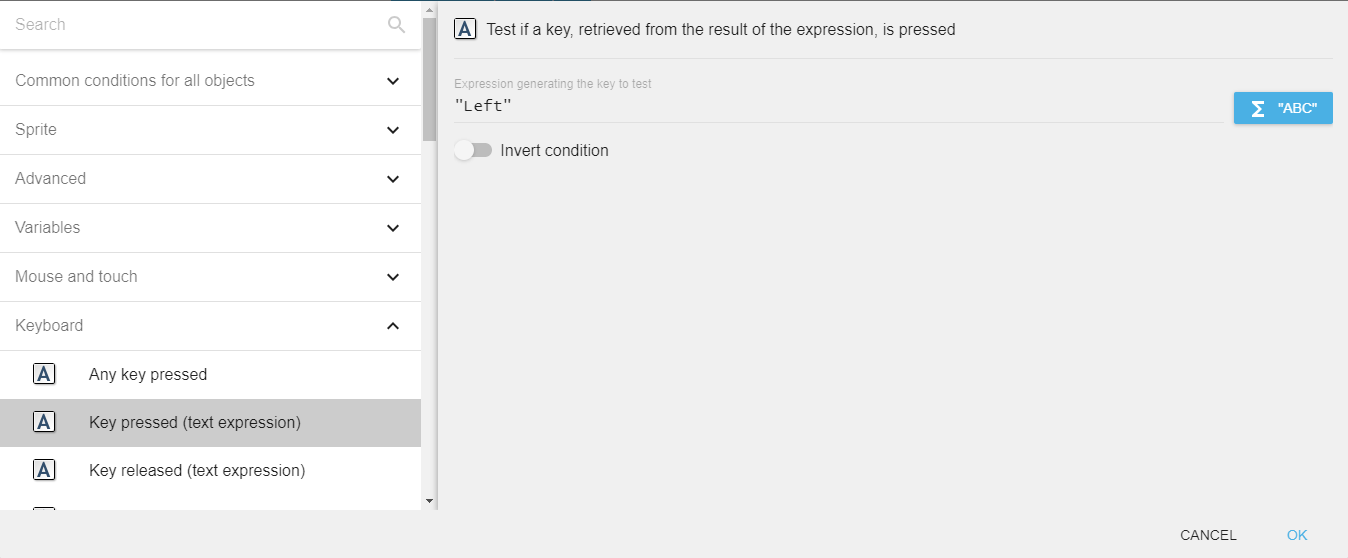
Key released (text expression)
To test a key release using this condition, you need to enter the key name in the form of text expression. For example, if you want to check condition for left arrow key release, you need to enter "Left" in the field.
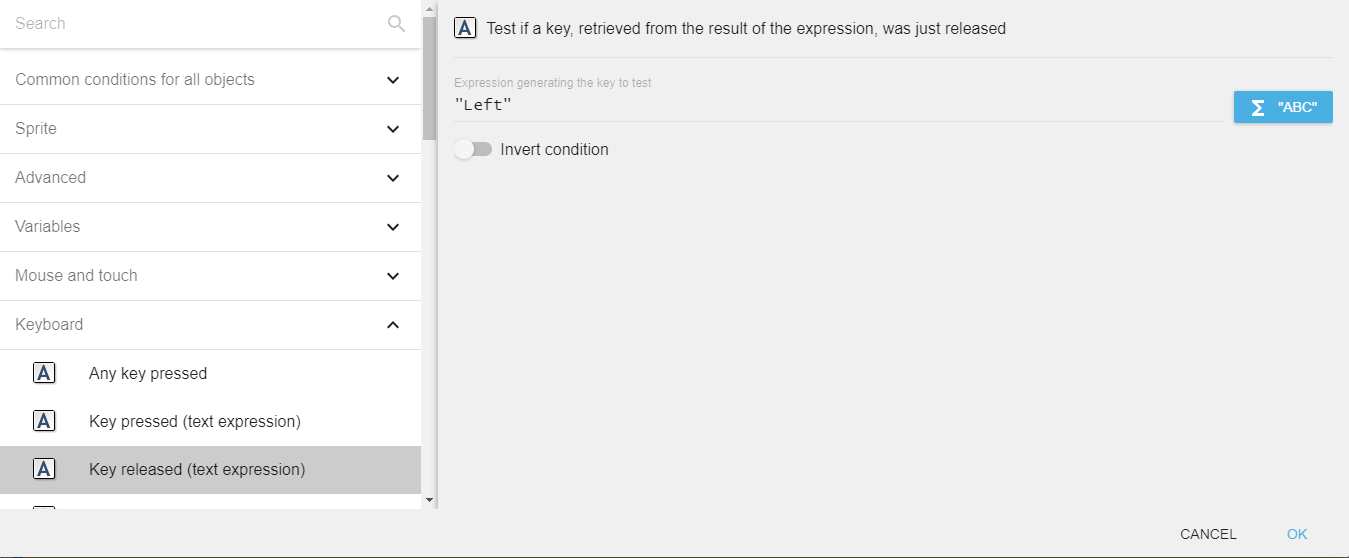
Valid key names
The text-based key conditions and the "Last key pressed" expression use the following names:
- Letters:
atoz(lowercase). - Top-row digits:
Num0toNum9. Numpad digits:Numpad0toNumpad9. - Arrows:
Left,Up,Right,Down(and numpad equivalentsNumpadLeft,NumpadUp,NumpadRight,NumpadDown). - Modifiers:
LShift,RShift,LControl,RControl,LAlt,RAlt,LSystem,RSystem(left/right are distinguished). - Function keys:
F1toF12. - Editing:
Space,Return,Tab,Back(Backspace),Delete,Insert,Escape,Menu,Pause. - Navigation:
PageUp,PageDown,Home,End(numpad equivalents prefix withNumpad, e.g.NumpadHome). - Punctuation:
SemiColon,Comma,Period,Quote,Slash,BackSlash,Equal,Dash,LBracket,RBracket,Tilde. - Numpad operators:
Add,Subtract,Multiply,Divide(andNumpadAdd,NumpadSubtract,NumpadMultiply,NumpadDivide,NumpadReturn).
Names are case-sensitive. Keys that are not in this list cannot be checked through the text-expression conditions.
Last key pressed
"Last key pressed" expression returns the last key press in the form of a string. For example, if the last key press is the left arrow key, the expression will return "Left".
If the key has no name in the list above, the expression returns an empty string. This expression is convenient to implement a "Press any key to rebind" screen — combined with the "Any key pressed" condition.
Reference
All actions, conditions and expressions are listed in the keyboard reference page.